
Spinchester App and Mobile Play
The Spinchester UK site installs as a progressive web app on phones, tablets and computers. There is no separate store build, and the PWA gives the full lobby, cashier and bonuses.
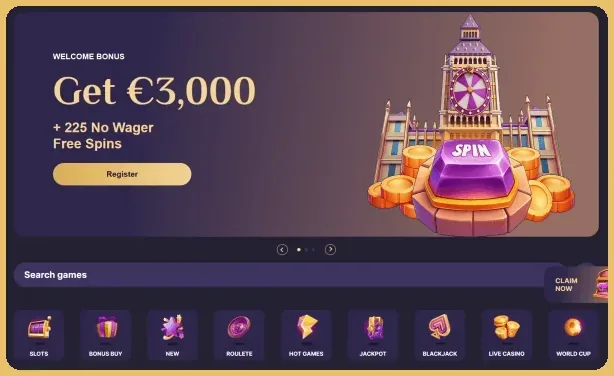
£3,000 + 225 No-Wager Free Spins
Installing the Spinchester PWA
Takes about a minute.
- Open the site
Chrome on Android or desktop, Safari on iPhone.
- Tap Install
Or Share, then Add to Home Screen on iOS.
- Confirm
The icon appears.
- Log in
Then play from the icon.
Supported Platforms
Four ways to install.
| Platform | How to install |
|---|---|
| Android | Install button in the browser |
| iPhone and iPad | Share, Add to Home Screen |
| Windows with Chrome | Install button |
| macOS with Chrome | Install button |
What the App Includes
Games, bonuses and achievements sit in one place, KYC documents can be uploaded with the phone camera, and an Install App bonus is credited after a successful install.
Current offers are listed in the bonus overview.
Quick Fixes
Update the browser, check the domain and the connection, then reinstall from the site if needed.
For sign-in trouble, see the login walkthrough.